Creating Carousels, made simple
Design carousels people swipe through.
Carousmith is a browser-based editor for building on-brand social carousels. Choose a template, apply your style and export, with no design software needed.
Free to start. Create your first carousel, no card needed.


One idea. Every kind of feed.
- LinkedIn1080 × 1350
- Instagram1080 × 1350
- TikTok1080 × 1920
- Facebook1080 × 1080
- X1920 × 1080
- Pinterest1000 × 1500
How it works
 1
Create a free account
Sign up with your email. No card needed.
 2
Pick a template and make it yours
Edit the text, apply your brand and choose a background.
 3
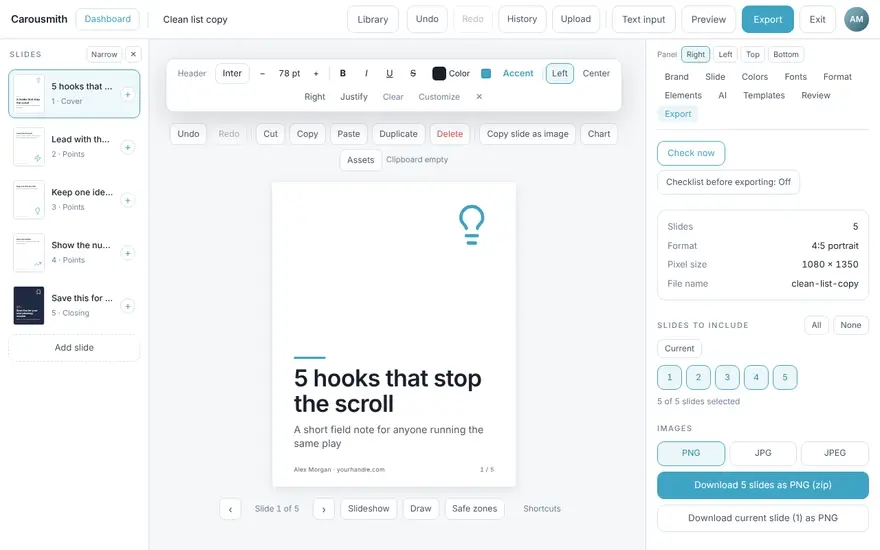
Export and share
Download your slides and publish them.
Why carousels do well
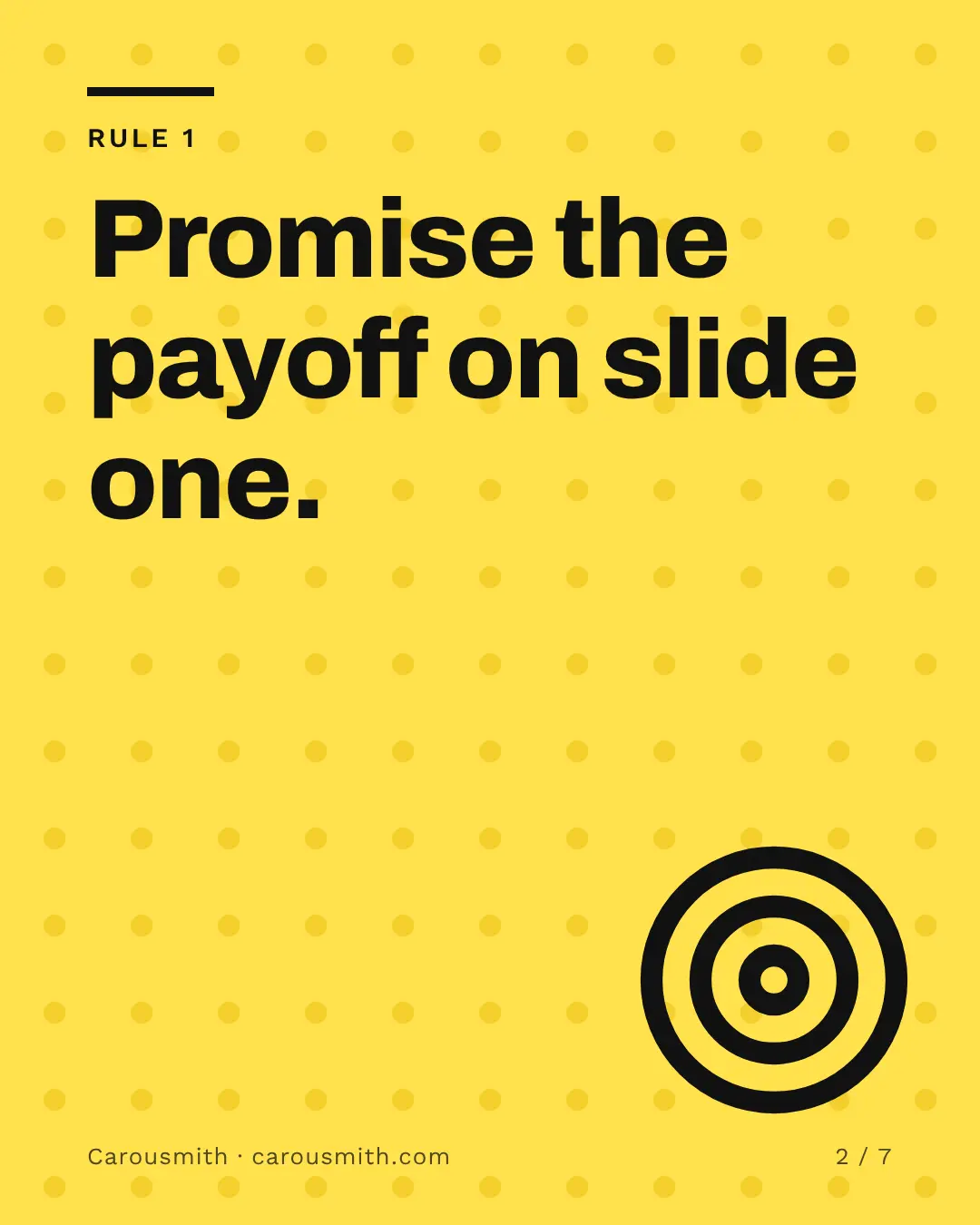
Carousels outperform text-only posts.
1.56×
the engagement rate of text-only posts, for native documents (LinkedIn's PDF carousels). Socialinsider, 2.45 million posts
- Native documents7.00%
- Text only4.50%
- Export a PDF document in 4:5 or A4
- One idea per slide, readable in the feed
- Looks right on phone and desktop
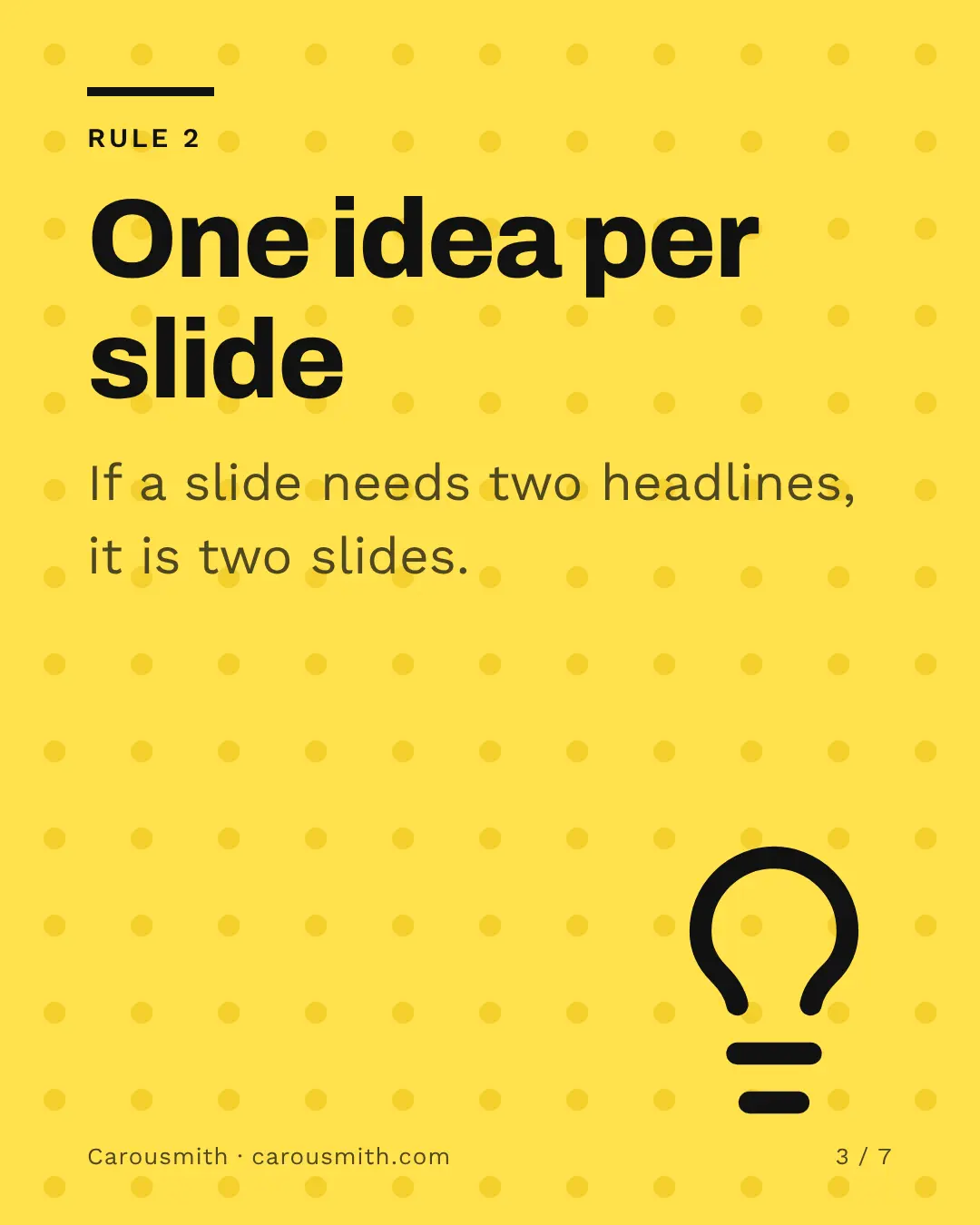
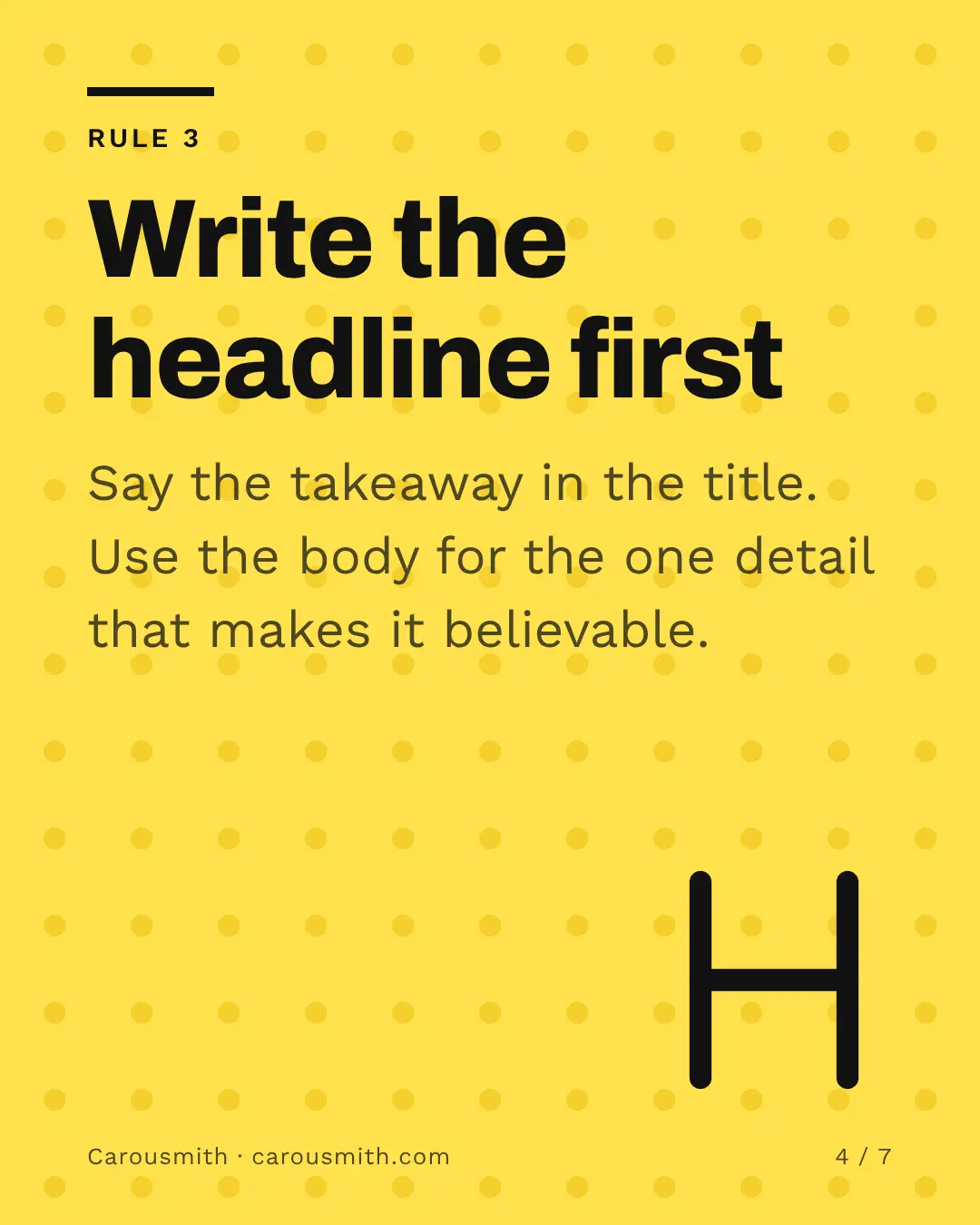
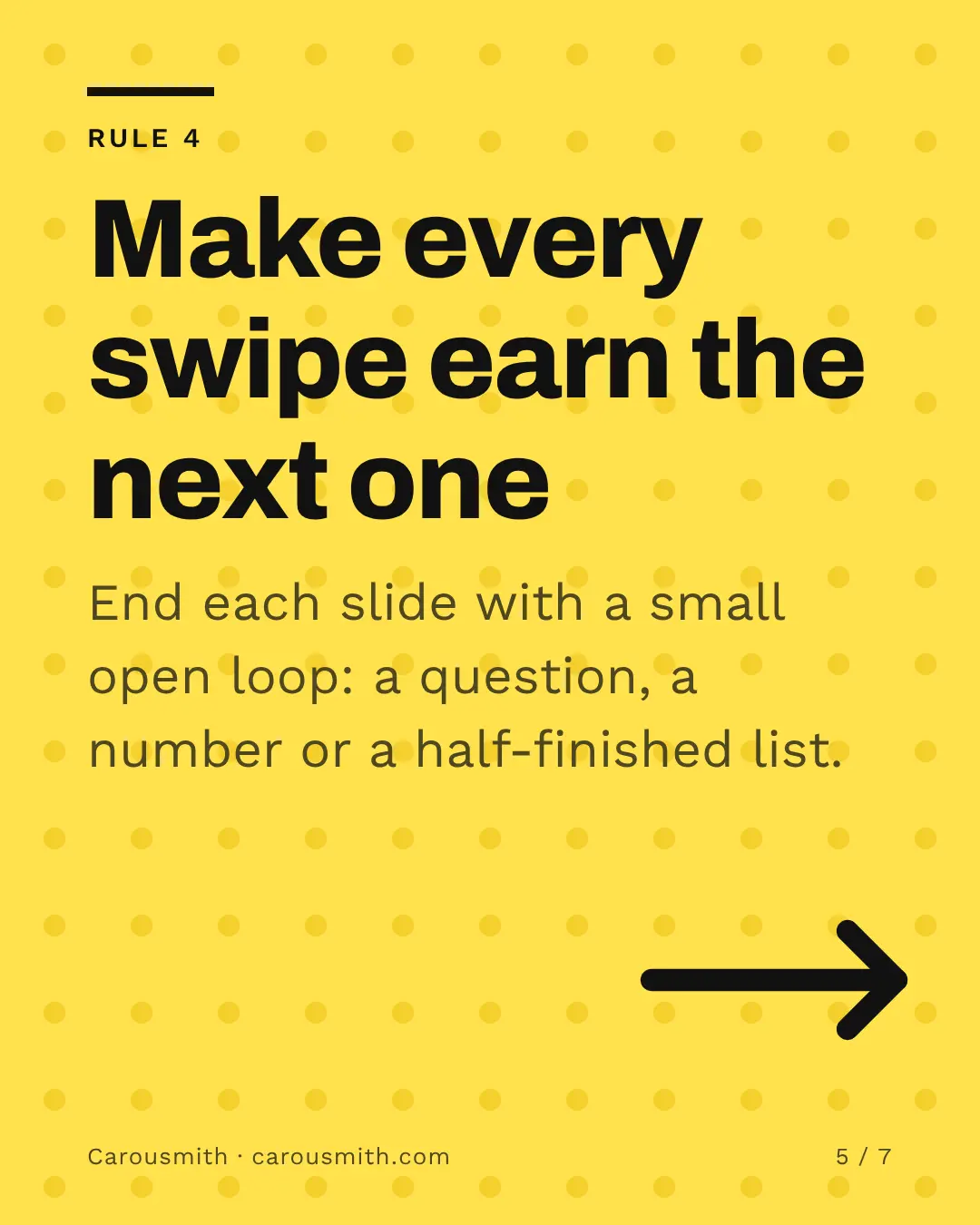
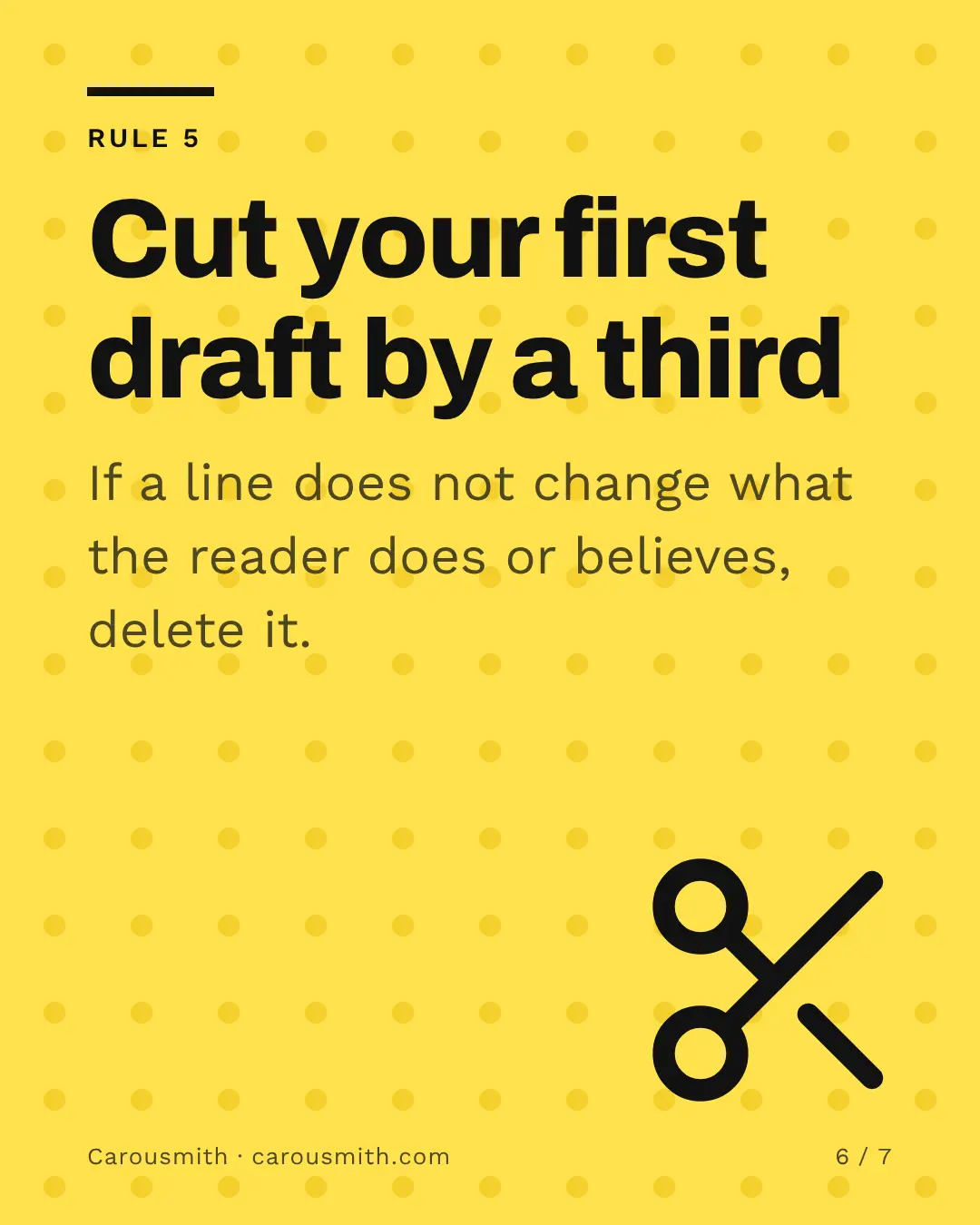

01 / 07
Carousels outperform single images.
1.49×
the engagement rate of single-image posts. Socialinsider, 67.5 million posts
- Carousels0.55%
- Single image0.37%
- Saved 98 times per post, against 43 for single images
- 35,370 views per post, against 22,900 (100K to 1M followers)
- Safe zones for the profile grid crop
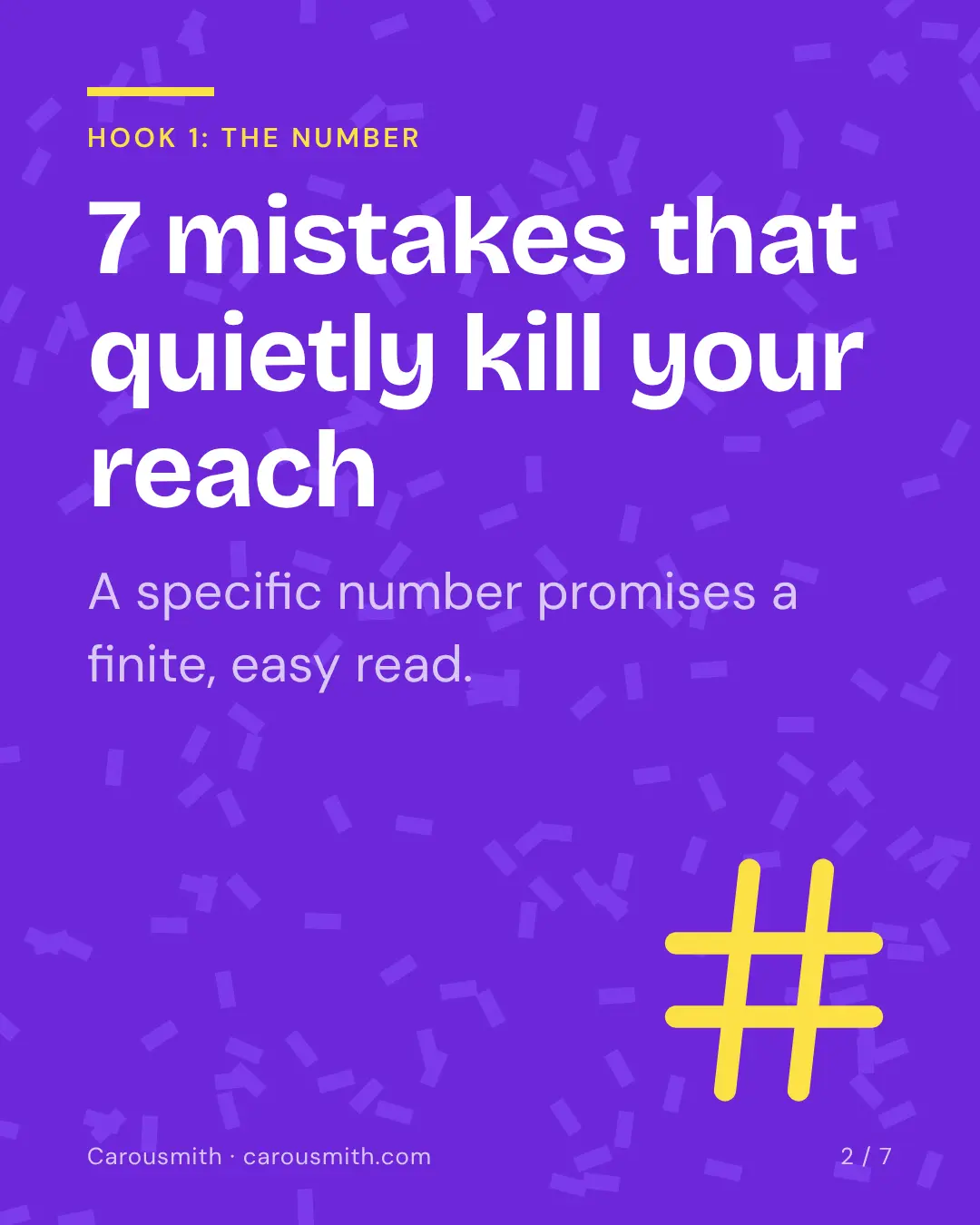
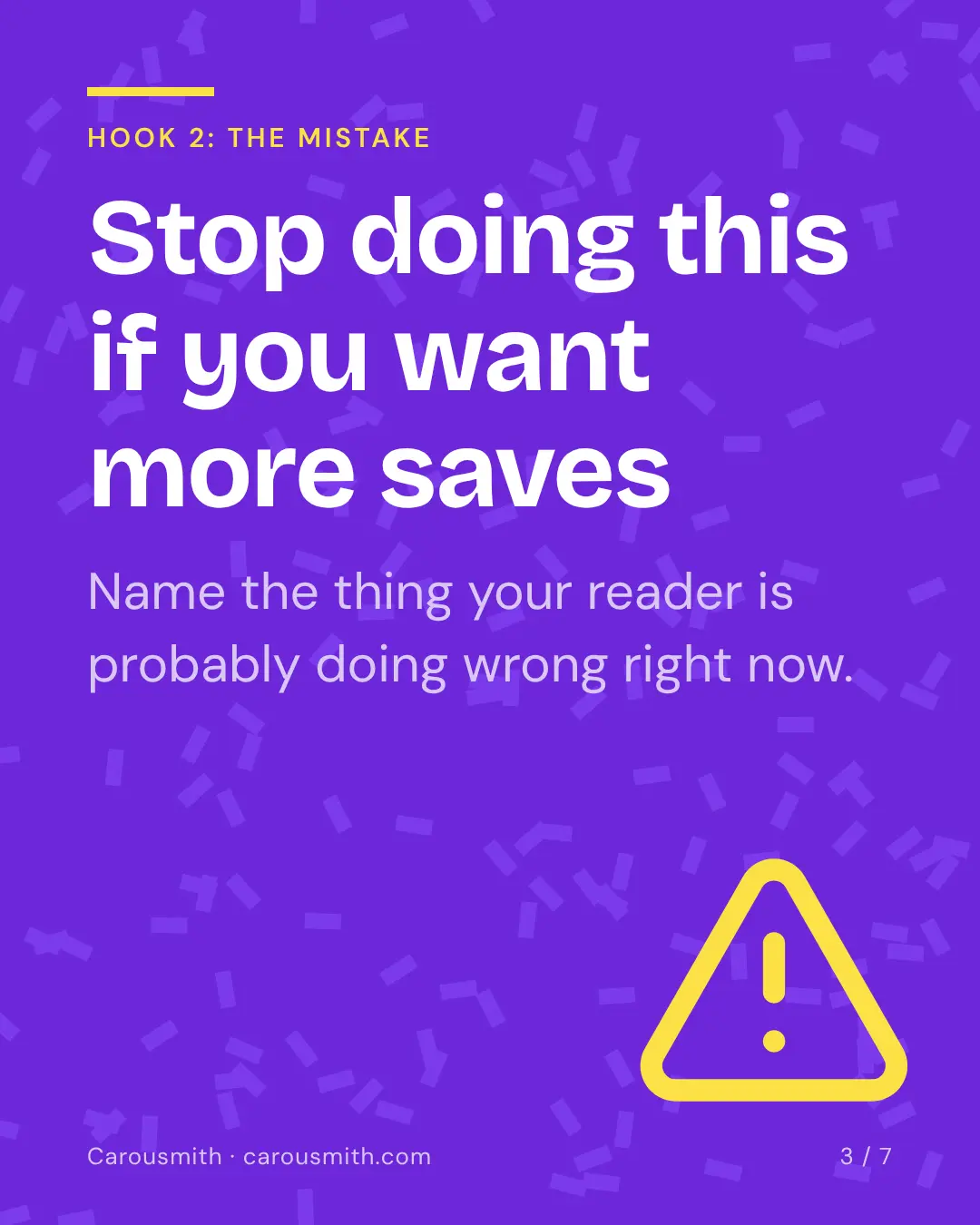
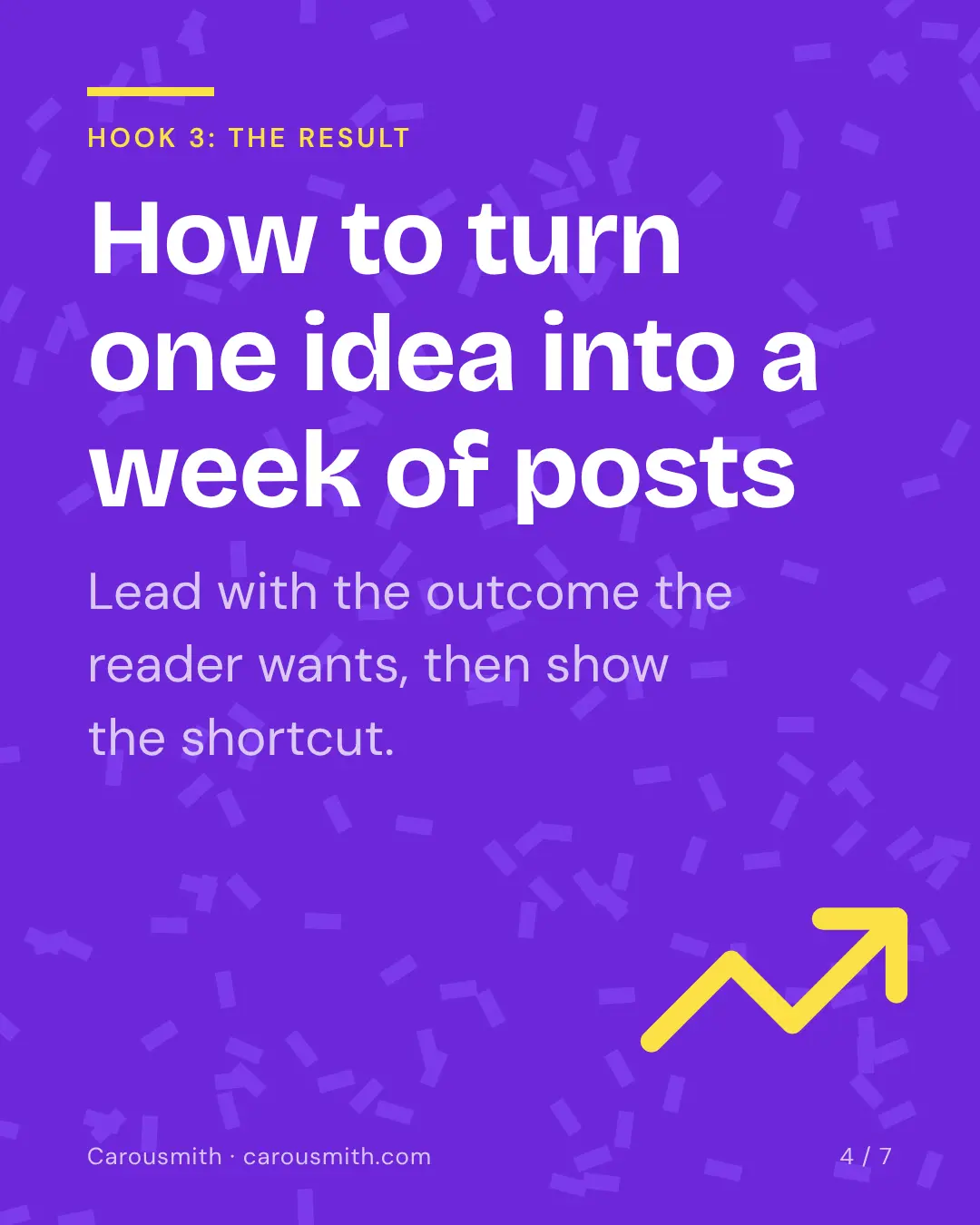
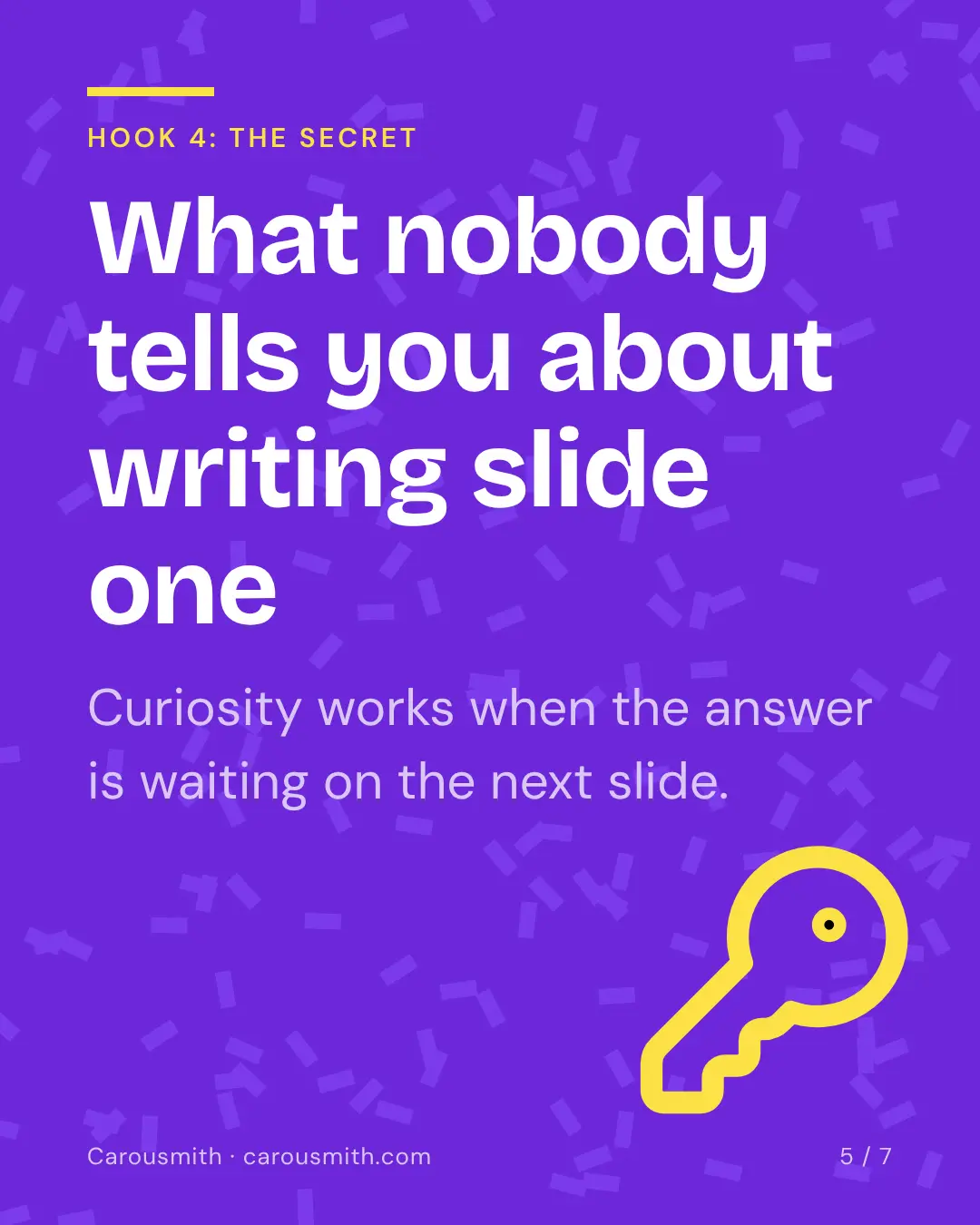

01 / 07
Photo carousels are growing fast.
+140%
more image and carousel posts published, January and February 2026 against 2025. Metricool, 2.3 million posts
- Video still earns about 5× the reach: use both
- 9:16 slides with TikTok safe zones
- Same slides, resized for every feed
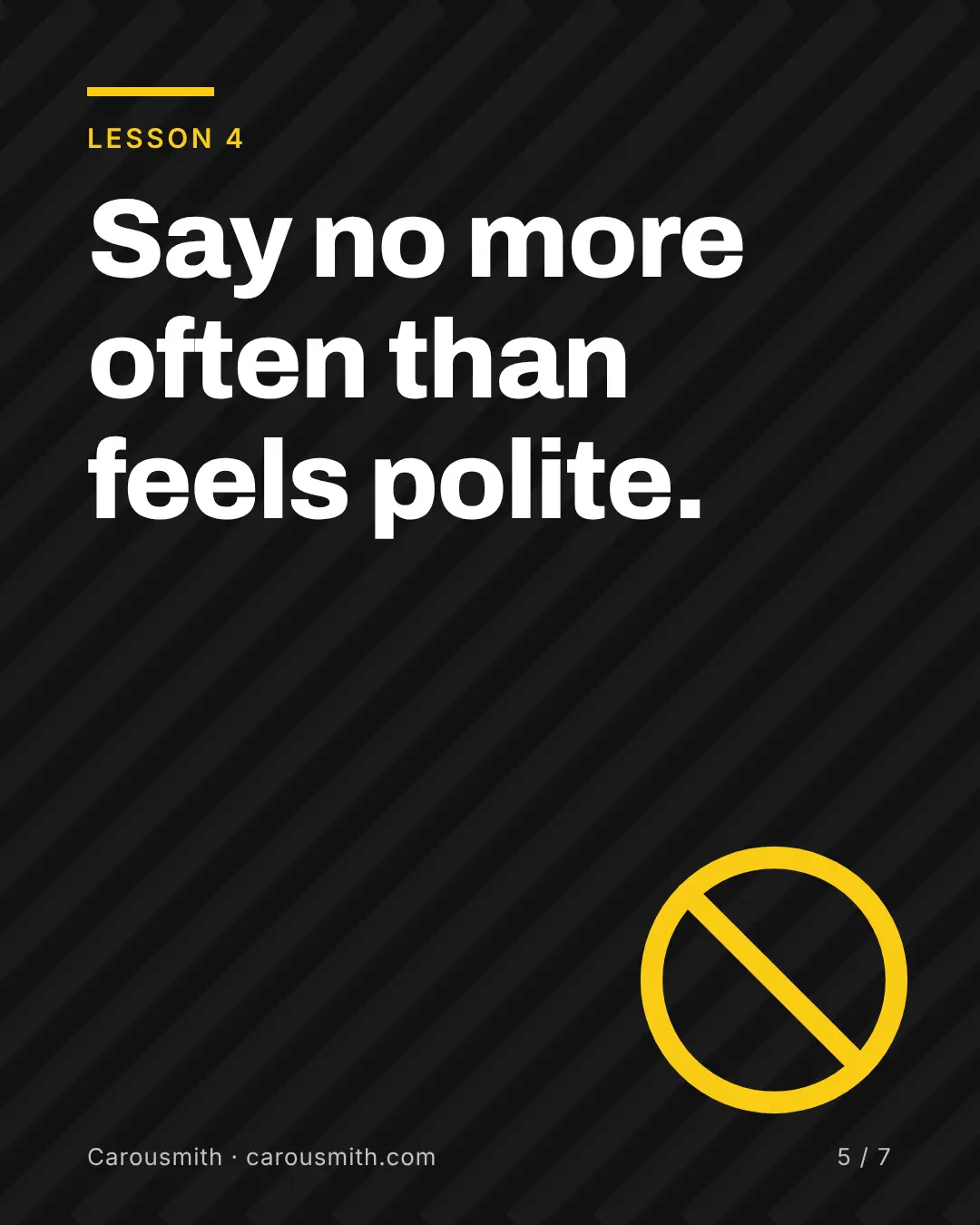
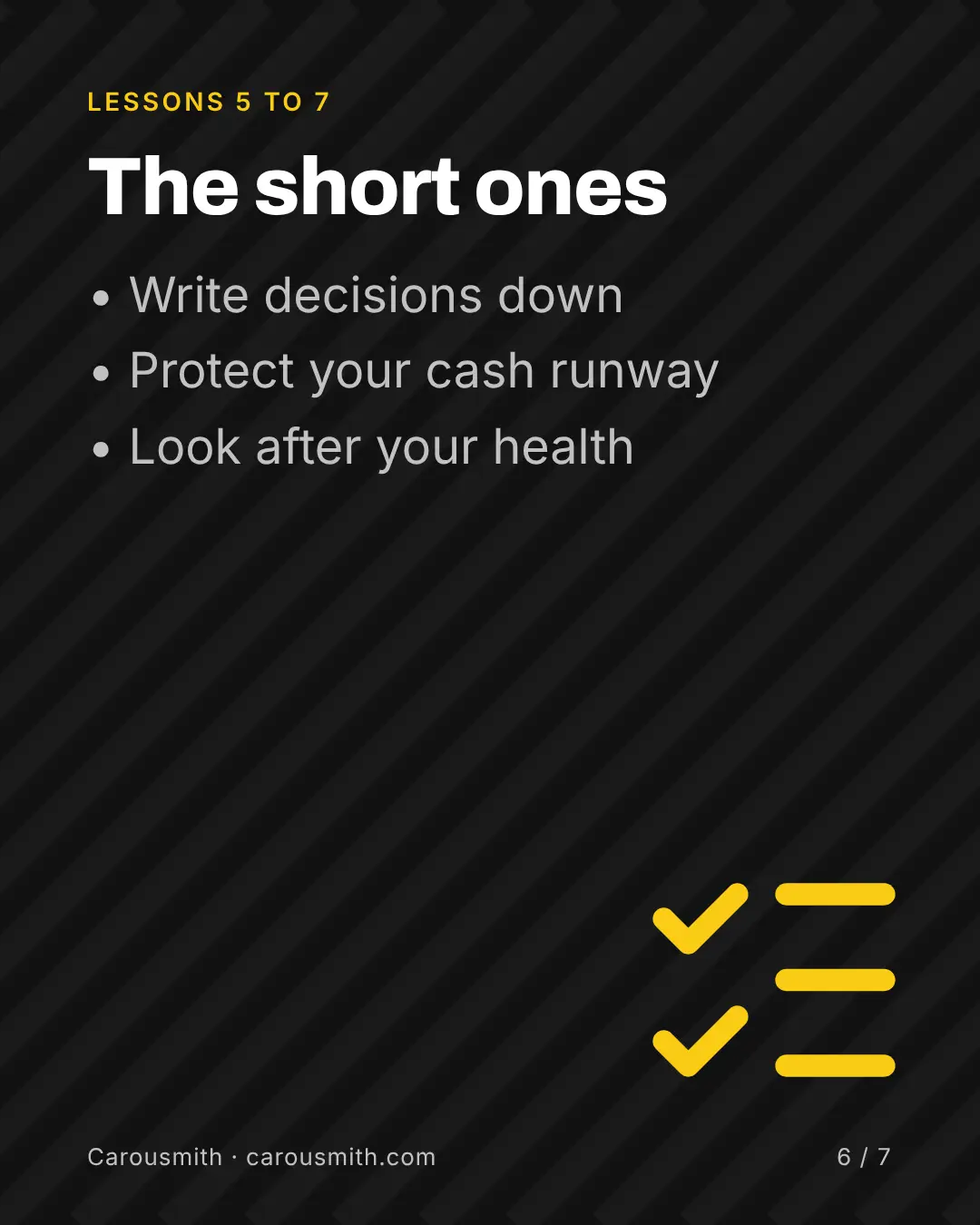

01 / 07
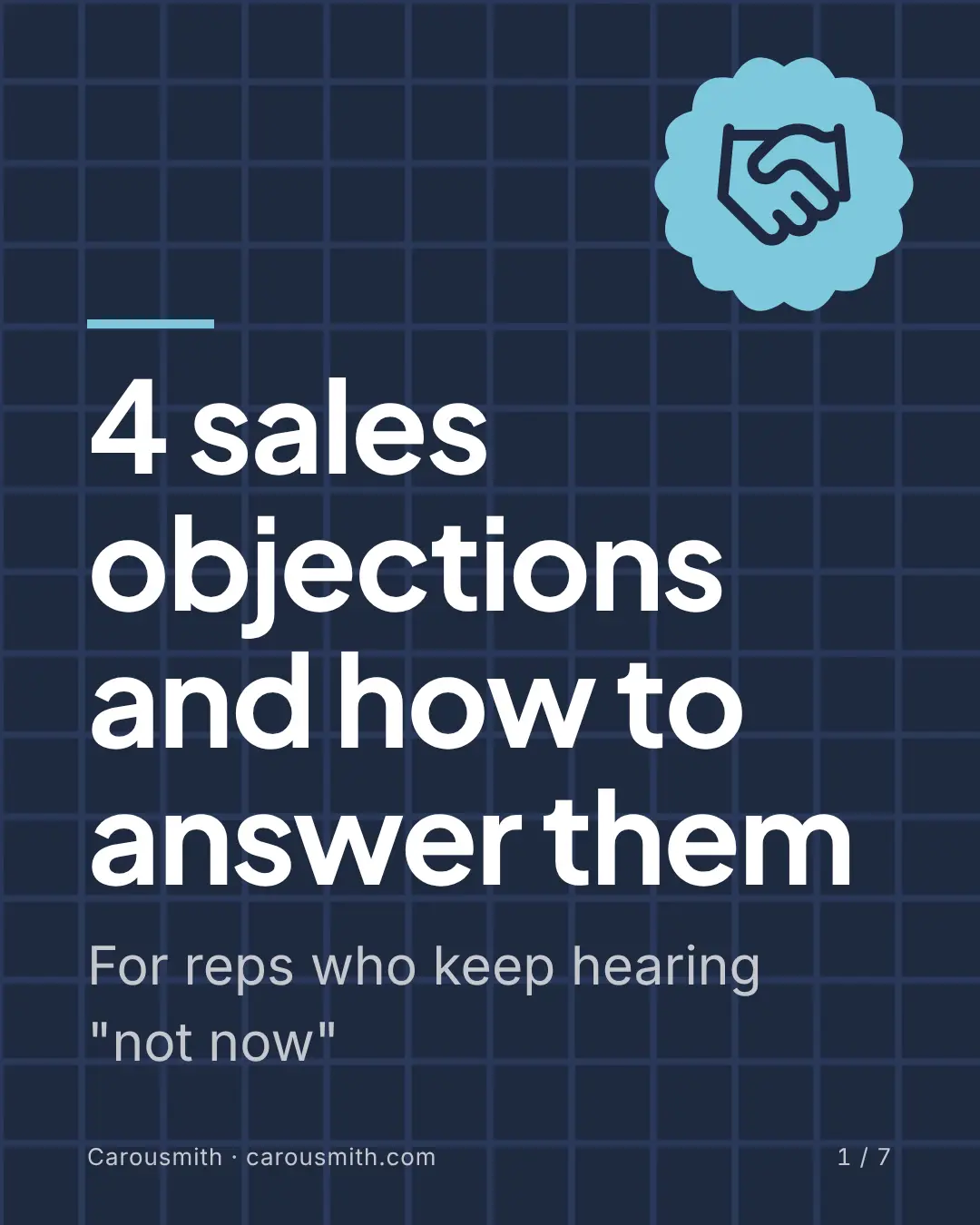
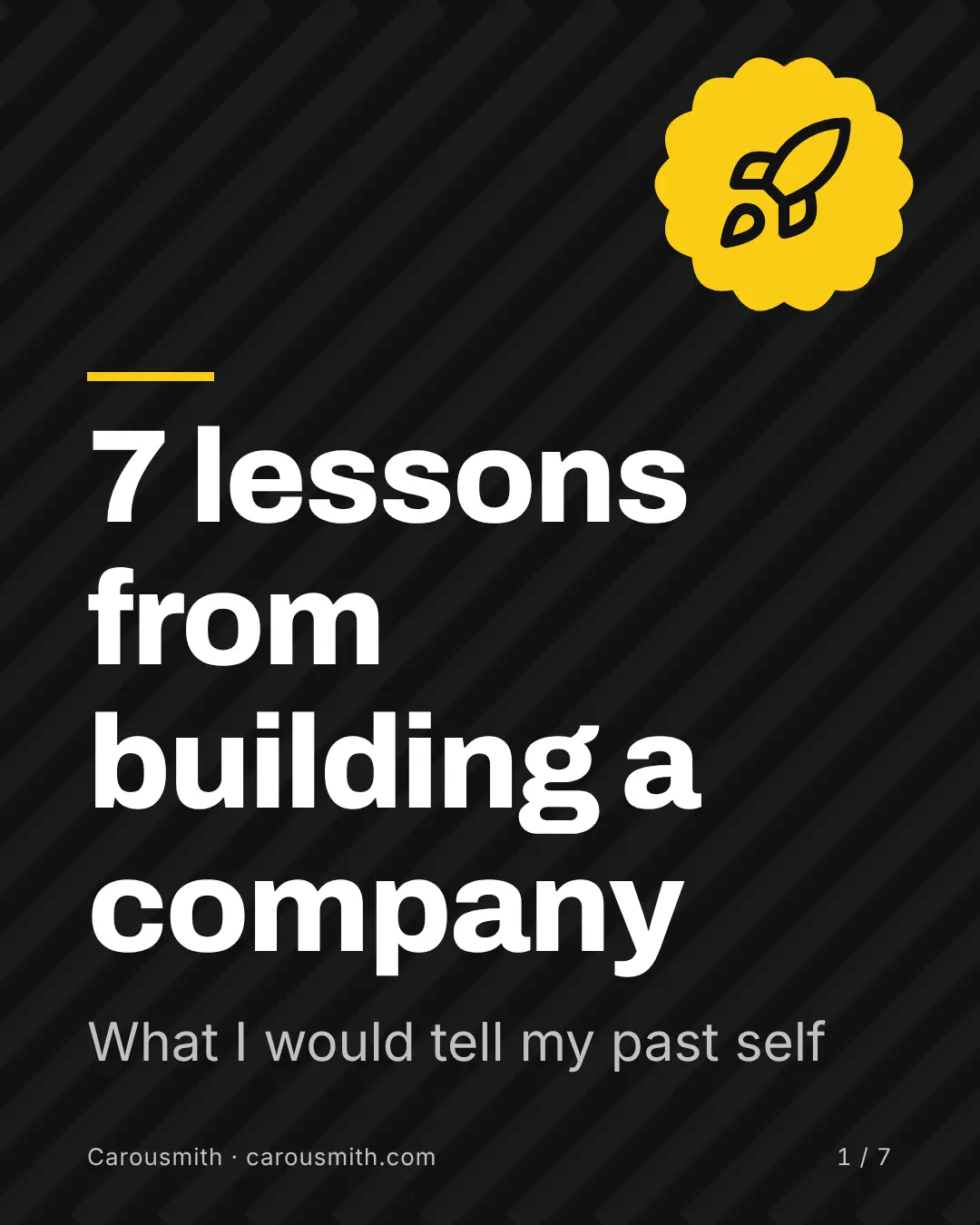
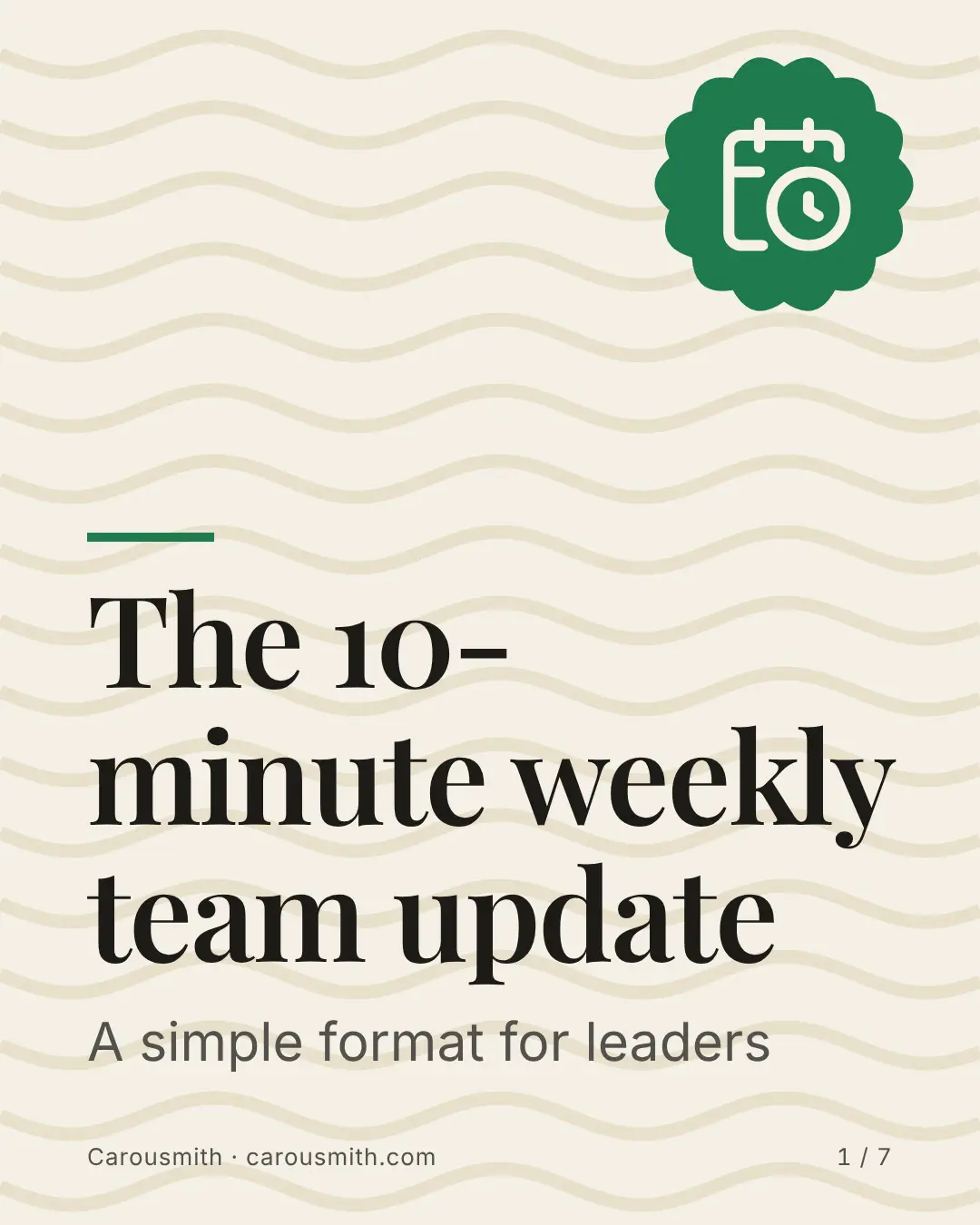
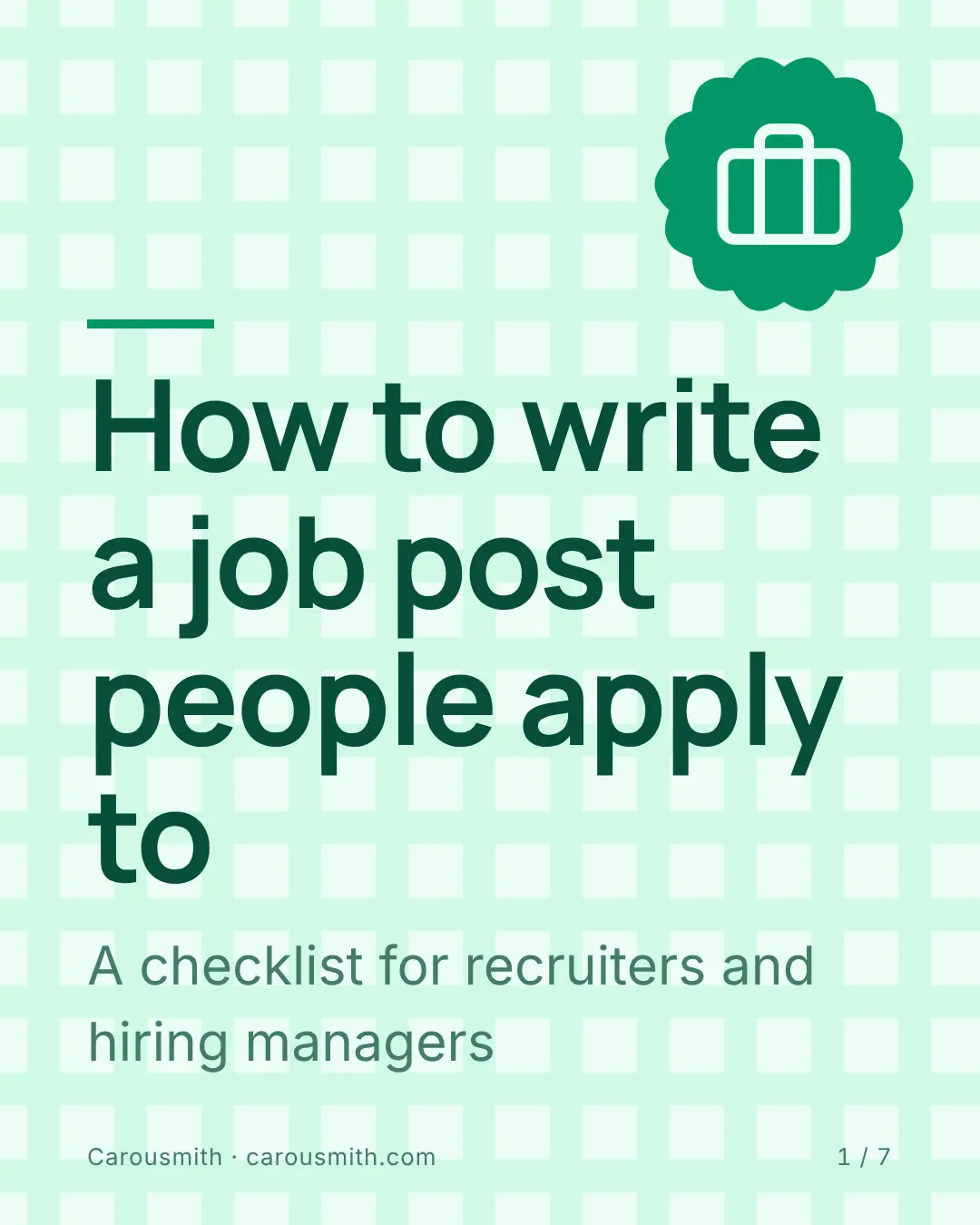
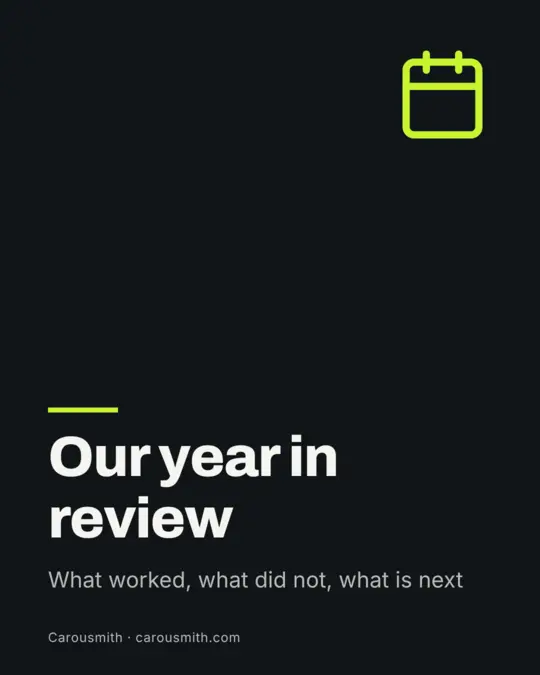
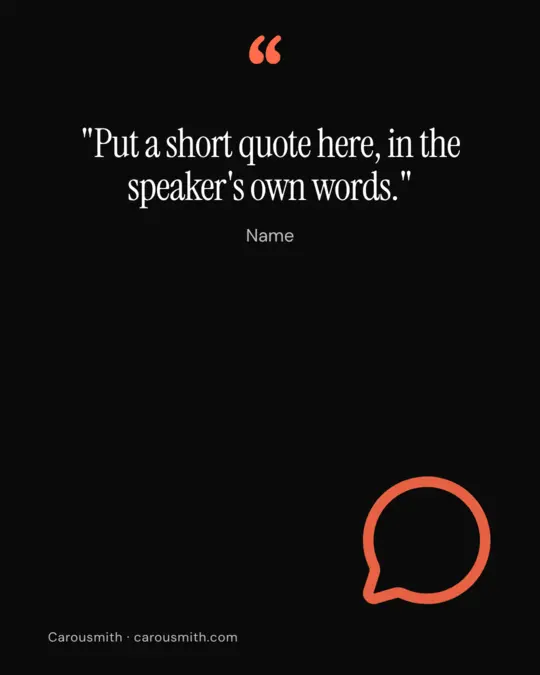
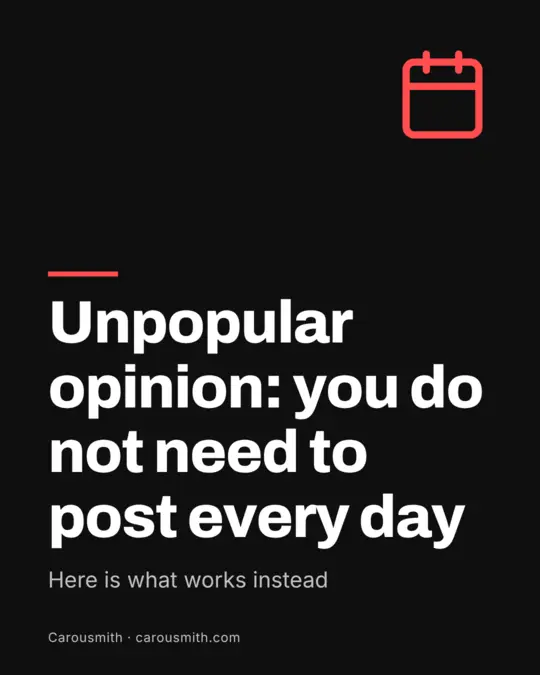
50 templates to start from
Pick one, add your brand once, and change anything. A few of them:

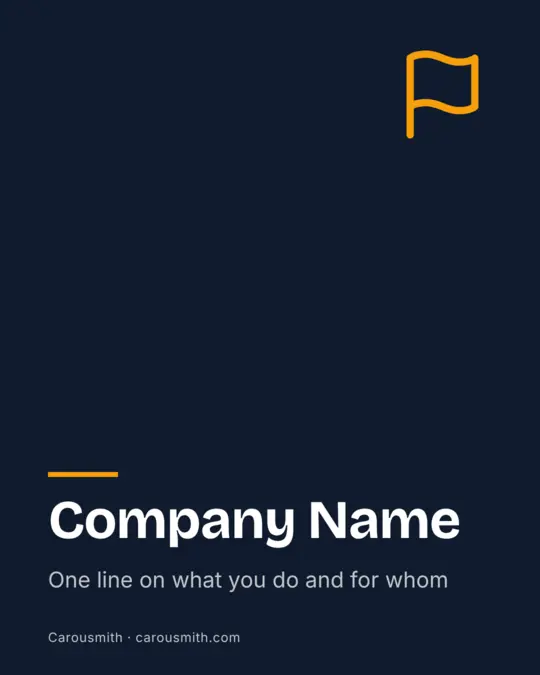
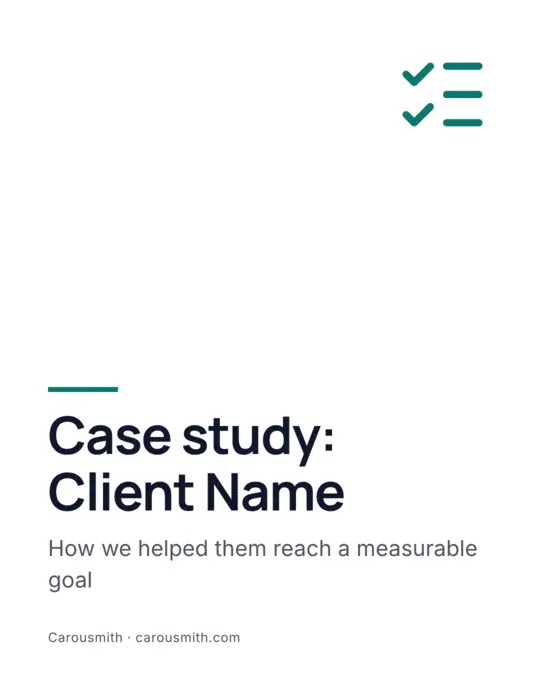

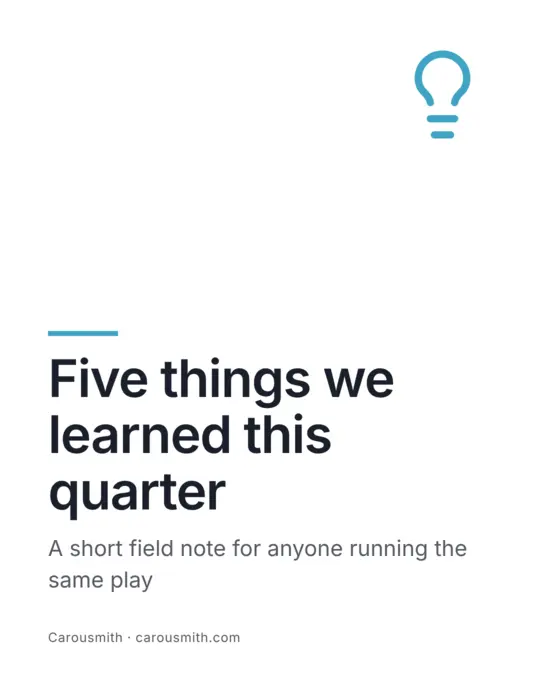
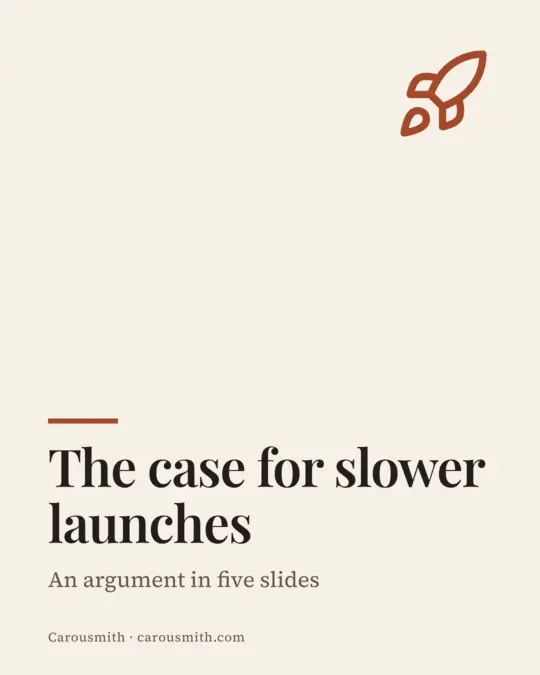

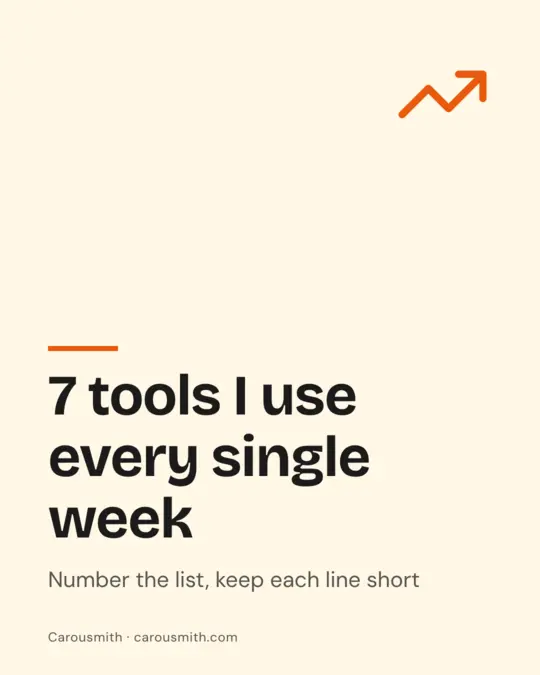
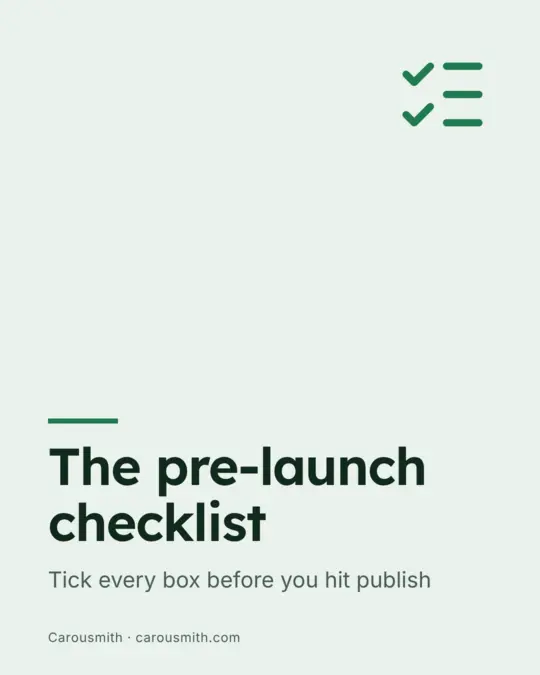




Everything you need to ship a carousel
Templates
50 built-in layouts, plus your own saved templates and imported files.
Brand kits
Set your colors and fonts once and reuse them across every carousel.
Rich text
Bold, italic, underline, strikethrough, accent color and alignment on any text.
Charts and images
Add a chart or upload your own images and fonts to a slide.
Review and preview
Preview the swipe experience and review your slides before you export.
Export
Export your finished slides, or copy a single slide as an image.
Undo and history
Step backwards and forwards through your edits whenever you need to.
Shared folders
Organize your work in folders, including team folders for shared carousels.
Light and dark mode
Work in the theme that suits you, or follow your device setting.
Safe zones
See where each platform covers or crops your slide, before you post.
Every size in one zip
Download the same carousel for every platform at once.
Free icons and shapes
Over 1,600 icons, shapes, lines, patterns and 48 fonts, no extra account.
Tables and signatures
Add a table, draw or type a signature, and use page numbers that update.
Team workspaces
Share brands, templates and carousels with the people you work with.
Export checklist
A quick check for placeholder text, alt text and more before you export.
See what you can make
Six finished carousels for marketers, sales teams, founders, leaders, creators and recruiters. Open one to swipe through it.
See all examplesQuestions
What does the free plan include?
You can create one carousel with every built-in template and background, then export it. No card is needed.
What happens when I reach the free limit?
You keep your carousel and can still open and export it. Creating more carousels needs a paid plan.
Do I need to install anything?
No. Carousmith runs in your browser.
Can I cancel any time?
Yes. Paid plans will be month to month, with no contract.
More in pricing, or email support@carousmith.com.
Start with a free carousel
Your first carousel is free. Upgrade only when you need more.